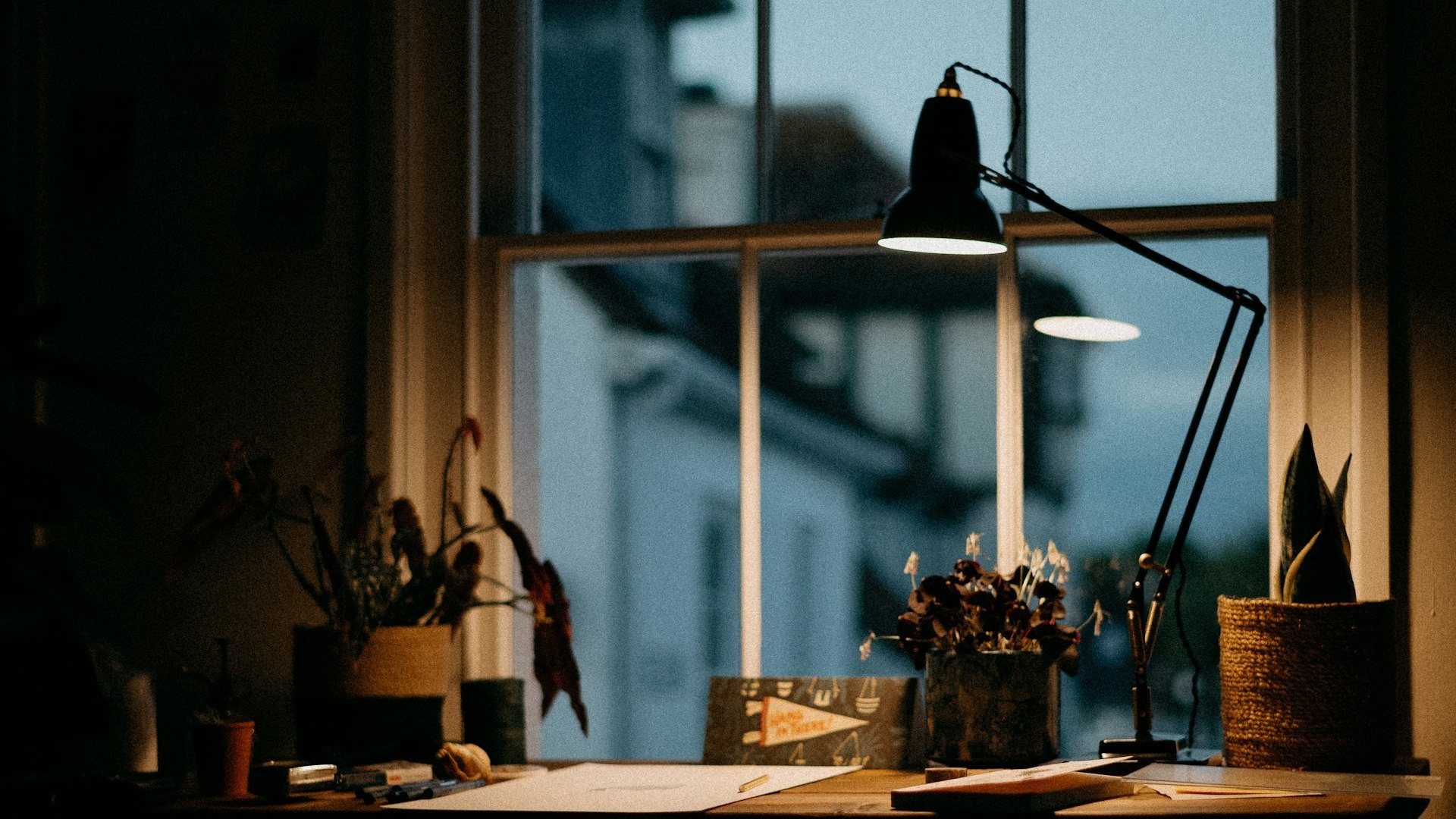
Working from home is no longer a stopgap — for many people it is the reason to look for a home with one more room. As an IT specialist I see the same mistakes again and again: a lovely flat with poor internet, a desk facing a wall in the hallway, a chair bought "for now". Here is what to think about before you buy or rent — and how to set the space up afterwards.
Where in the home
The best place is a separate room with a door — even a small one. The door separates work from home and keeps your calls away from family noise (and vice versa). If you don't have one:
- A corner of the bedroom — quiet, but work "sleeps" with you. A screen or bookcase as a divider helps.
- The living room — bright but noisy; fine if you are alone during the day.
- An enclosed balcony — tempting, but often cold in winter and hot in summer. Check that the enclosure is legal and that there is heating and sockets.
- An attic or basement in a house — quiet, but watch damp, ventilation and daylight.
If the home office will receive clients — a practice, consultations — that is a different topic with its own rules: see Change of use in Bulgaria.
Internet: check the address, not the neighbourhood
Fibre "to the block" does not mean fibre "to the flat". Coverage varies from entrance to entrance and street to street, especially for houses and new builds, where operators arrive gradually. Check it before the deposit:
- Operators' websites — most have an address-based coverage check. Enter the exact address and entrance, and if possible call and ask about the specific flat.
- The building entrance — look for the operators' distribution boxes in the stairwell or basement. Ask the building manager which operators are in the building.
- The seller or tenant — which provider they use, what speed, any outages. Ask to run a speed test on site, over a cable if possible.
- New builds — ask the developer whether an internal fibre or structured cabling installation runs to every flat and which operators already have agreements.
- Mobile signal — check it on site, in the room that will be your office. Thick walls and lower floors weaken reception.
Add internet to your viewing checklist — it matters as much as damp and wiring.
The connection inside the home
- A cable to the desk. For video calls a wired connection is more stable than Wi-Fi. If you are renovating, run a network cable (Cat6) to the study — it is cheap while the walls are open.
- Mesh Wi-Fi for a large flat, a house on several floors or concrete walls.
- A backup connection. If your work depends on the internet, keep a mobile plan with enough data or a SIM-card router that takes over during an outage.
- A UPS — a small uninterruptible power supply for the router and computer saves you during short power cuts.
Noise
Noise is more tiring than we think. When viewing:
- Visit on a working day, during the day — that is when you hear renovations, the school and the traffic.
- Ask about renovations in neighbouring flats and building sites nearby — they will be your soundtrack for months.
- A bedroom or study facing the courtyard is usually quieter than one facing the boulevard.
- Good windows make a big difference. A rug, curtains, a full bookcase and upholstered furniture absorb echo in an empty room.
Light
Daylight affects concentration and the quality of your video calls.
- Place the desk perpendicular to the window — light comes from the side, with no glare on the screen and no squinting.
- Don't sit with your back to the window on video calls — your face will be in shadow.
- North-facing rooms give even light; south-facing ones give plenty of light but need blinds in summer.
- In the evening add a desk lamp with neutral-white light to the general lighting. More in Lighting your home.
Ergonomics: desk, chair, screen
- A chair with adjustable height and lumbar support — the best investment in a home office.
- Desk height — elbows at roughly a right angle, shoulders relaxed, feet flat on the floor (or on a footrest).
- Screen at arm's length, top edge roughly at eye level. With a laptop — a stand plus a separate keyboard and mouse.
- Movement — get up every hour. A height-adjustable desk helps but doesn't replace breaks.
- Sockets — enough outlets by the desk, no extension leads across the floor.
Buying with working from home in mind
- One extra room is sometimes worth more than a better neighbourhood.
- Compare orientation, noise and internet between candidates — not just floor area.
- Think about resale: a home with a usable small third room or study appeals to many buyers.
In short
- A separate room with a door is best; failing that, a corner with a divider.
- Check fibre for the specific address and entrance before the deposit.
- A cable to the desk, a mobile backup, a UPS.
- View on a working day to hear the real noise.
- Desk perpendicular to the window, a good chair, screen at eye level.
Looking for a home with room for an office? Call us or come into the office — we'll help you check these things at the first viewing. You can also browse our properties for sale.
This is general information. Verified as of October 2026.